











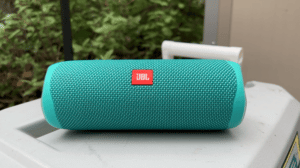

JBL Flip 5 review: can 55,000 5-star reviews be wrong?
Portable speakers let you bring your music & audio anywhere. JBL Flip 5 has amazing reviews on Amazon, but does it hold up?
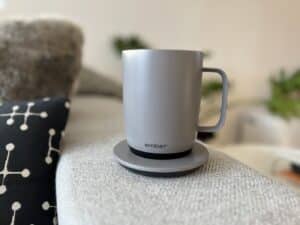
Tired of your coffee getting cold before you can drink it? This mug promises hot coffee all day – does it really deliver? My hands-on review:
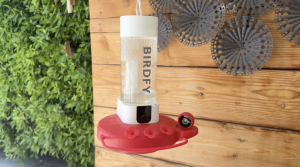
Birdfy Hum Feeder hands-on review
Hummingbirds are beautiful and a good feeder can bring them to your yard. But find out why this camera-feeder isn’t a perfect solution.
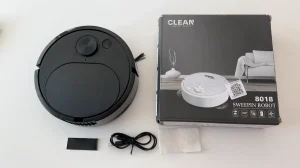
I bought a $20 robot vacuum. Here’s how that went
I found a $20 robot vacuum on Amazon. I bought one to see if it could possibly be any good at all. See what happened.
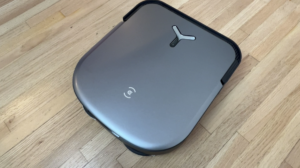
168幸运飞行艇开奖官网+168飞艇开奖官网开奖结果查询 ECOVACS DEEBOT X2 OMNI: In-Home Review
幸运飞行艇全天在线计划 ECOVACS has launched its latest floor cleaning DEEBOT, and with over 10 new or improved features, it’s actually beyond impressive. My review:
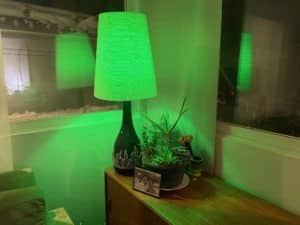
Philips Hue smart light starter kit review
A starter kit is an ideal way to get multiple lights and everything you need. Should you invest in the Philips Hue starter kit for smart lights? My review:
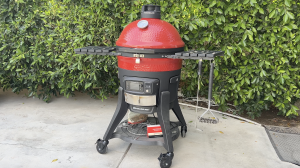
Review: Kamado Joe Konnected Joe smart charcoal grill
Love the idea of a charcoal grill, but intimidated by it? I try the Kamado Joe Konnected Joe smart charcoal grill in this hands-on review.
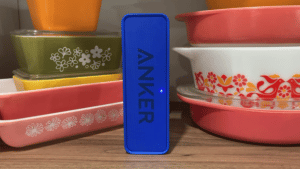
Anker SoundCore Review: lots to like, except for the one thing that matters
Anker SoundCore is hugely popular thanks to its cheap price. That’s great, but it’s missing one important feature.

Roborock S7 Max V Ultra robot vacuum + mop with Empty Wash Fill Dock
Roborock’s newest bot is a full floor cleaning system that promises a lot including full self-cleaning. Can this big vacuum and mop really do it all? My review:
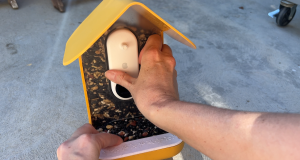
Summer’s BIGGEST disappointment? Why I can’t recommend Bird Buddy smart bird feeder + camera
An upclose view of birds in your yard is a great idea, but this Insta-famous feeder camera combo has some major red flags. See my review.
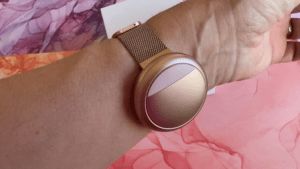
Embr Wave 2 review: Does this ‘personal thermostat’ really work at making you warmer/cooler?
Does your body temp fluctuate wildly? Whether due to seasonal change or menopause, the Embr Wave 2 promises fast help. For real?
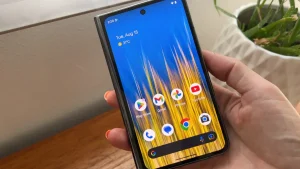
Google Pixel Fold hands-on review
Google has finally entered the foldable smartphone market with the Pixel Fold. Is their design worth the hype? Check out our review.
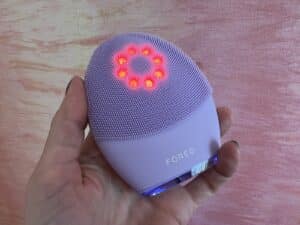
Review: FOREO LUNA 4 plus – this device actually combines all the best of ALL FOREO gadgets in one!
Facial cleansing brushes promise a deeper clean for better skin, so does FOREO’s newest brush live up to that? My review & what’s new:
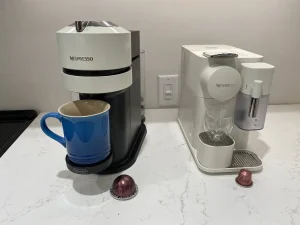
How to Choose: Nespresso Original versus Nespresso Vertuo
Trying to choose between the two different types of machine Nespresso offers? Here’s what you need to know – and how to pick.


A Brief History of Every Google Device
Google devices don’t stop at phones – the ecosystem tracks from the (smart) home, to wearables, and beyond. Check out our guide.